Cursor-ifying KiCad
April 2026
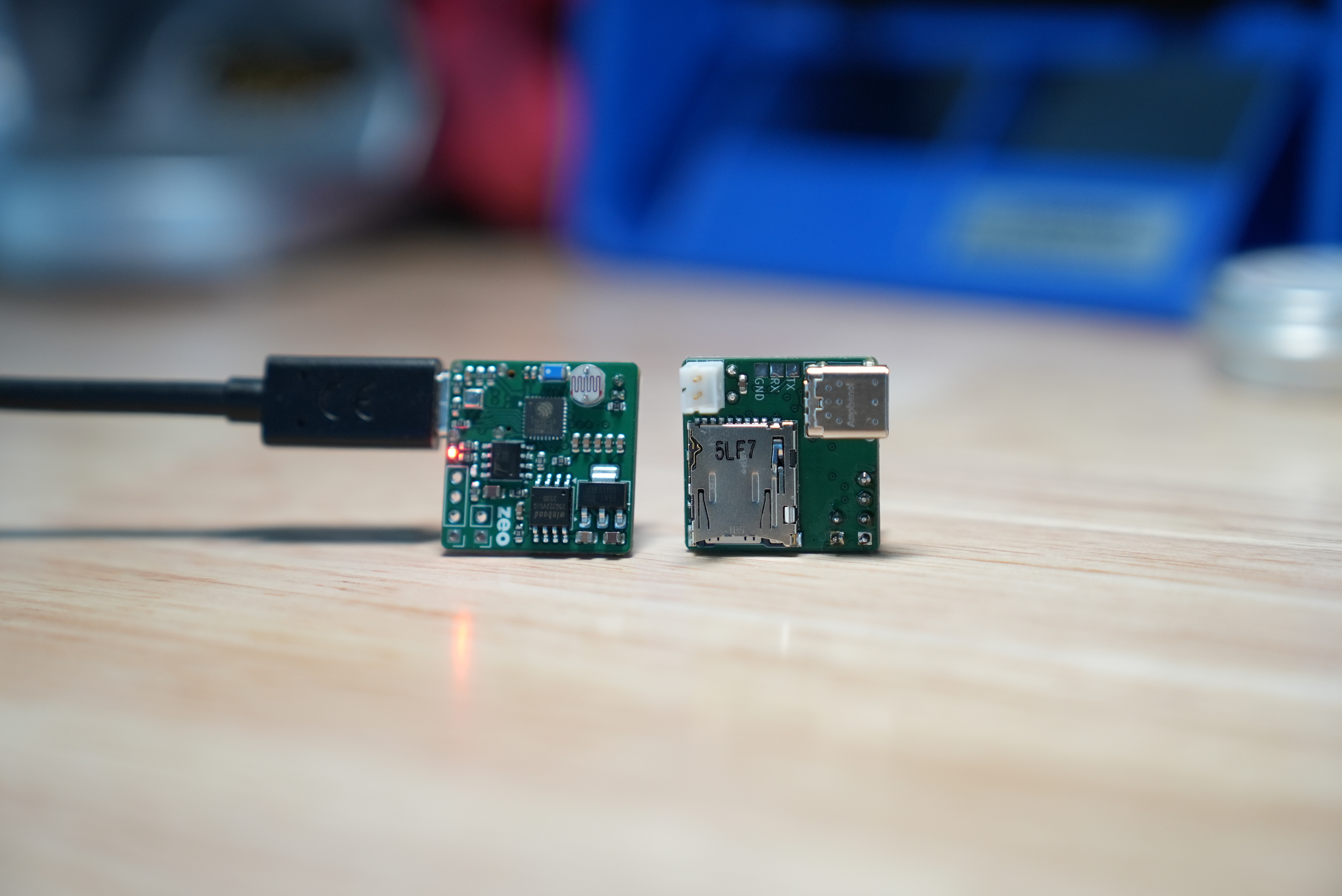
I've seen at least 4 other attempts to fork KiCad and add AI (there are probably more). This is my attempt, and I want to talk about how I built it since the architecture decisions seem to heavily impact the quality of the results.
The obvious approach
The natural first idea is to have the model read and write KiCad's .kicad_sch files directly. These are s-expression files: Lisp-style text that describes every component, wire, and property in a schematic. This makes sense: it plays to what LLMs are good at, language, and if you assume models get arbitrarily smart, this scales.
Two and a halfish problems.
First, the format: ~26% of s-expression files are positional data (coordinates, transforms, etc.) that carry no semantic meaning and LLMs can easily mess up. For example, one placed resistor is 64 lines and a modest schematic is over 1,000 lines. Any lint error breaks the entire file.
Second, the model: even with large context windows, models struggle with spatial reasoning: where symbols are relative to one another, how wires route between them, whether things overlap. This is what results in ugly and broken schematics and boards.
You also lose access to KiCad's built-in tools (ERC, DRC, library search). These could be implemented externally but at that point you're making a new EDA tool with KiCad as a viewer.
What we did instead
Instead, we built on KiCad's IPC API. KiCad 9 ships with a protobuf-over-nanomsg interface that lets external processes create, update, and delete schematic and PCB objects transactionally. We expanded this API substantially to add commands for sheet hierarchy, net connectivity, ERC/DRC, formatting settings, and more. On top of this sits kipy, our Python bindings that wrap the protobuf commands into a clean interface. Placing that same resistor goes from 64 lines of s-expression to 8 lines of Python.
The agent layer connects to KiCad through an MCP server that exposes 40+ tools to the model. When the model calls a tool, the MCP server routes it through KiCad's project manager to a Python executor that runs a script using kipy to make the actual IPC calls into the running editor. For heavier operations like autorouting, screenshots, or component search, dedicated handlers execute directly inside KiCad. The model never touches KiCad internals directly. Every action goes through the same structured API any plugin would use: every mutation is transactional and every action is undoable.
Effectively, we're giving up the theoretical scalability of direct file manipulation for practical performance. The model focuses on what it's actually good at: reading datasheets and deciding what pin connects to what, while tools/humans handle coordinates, symbol placement, and validation.
What can it do?
Design schematics: read a datasheet, generate the symbol and footprint if they don't exist, place components, wire nets, configure sheet settings, validate, and manage a BOM.
Design PCBs (with caveats): setup netclass/design rules, run an external autorouter, export fab files.
It can place components and route traces, but it's not an end-to-end layout AI. That's a different problem that companies like Quilter and DeepPCB are tackling with models trained on placement and routing. Our fork is more of a capable assistant for tedious tasks.
Where this breaks
The IPC approach is the right call for a KiCad fork, but it's probably not the right direction for AI-native EDA in general:
- • Models are measurably better at writing code than making sequences of tool calls
- • Tool use adds a layer of indirection that compounds errors
- • Every new capability requires building and maintaining a new tool with its own schema, edge cases, and failure modes
The better long-term answer is probably something closer to a hardware description language that's purely semantic. Models write code and a compiler handles visualization and validation instead of commanding a GUI through an API.
We're thinking about what this looks like.
Try it
This fork of KiCad is called Zeo. Here's a walkthrough of creating a board from scratch and here's a repo of example boards made with Zeo.
If you use KiCad, give this a try and I hope it helps. If you use Altium, OrCad, etc. I'd love to learn about what would help you switch over to a future version of Zeo.